Your own documents, explained by an AI tutor.
Open a PDF, Word or PowerPoint file. MyKeyStudy explains any page at your level, draws animated 2D and 3D visuals for your exact question, and gives you practice with worked solutions.
This is the real app, running in your browser with a sample document. Follow the steps, or tap around on your own.
Press a step to see it in the app.
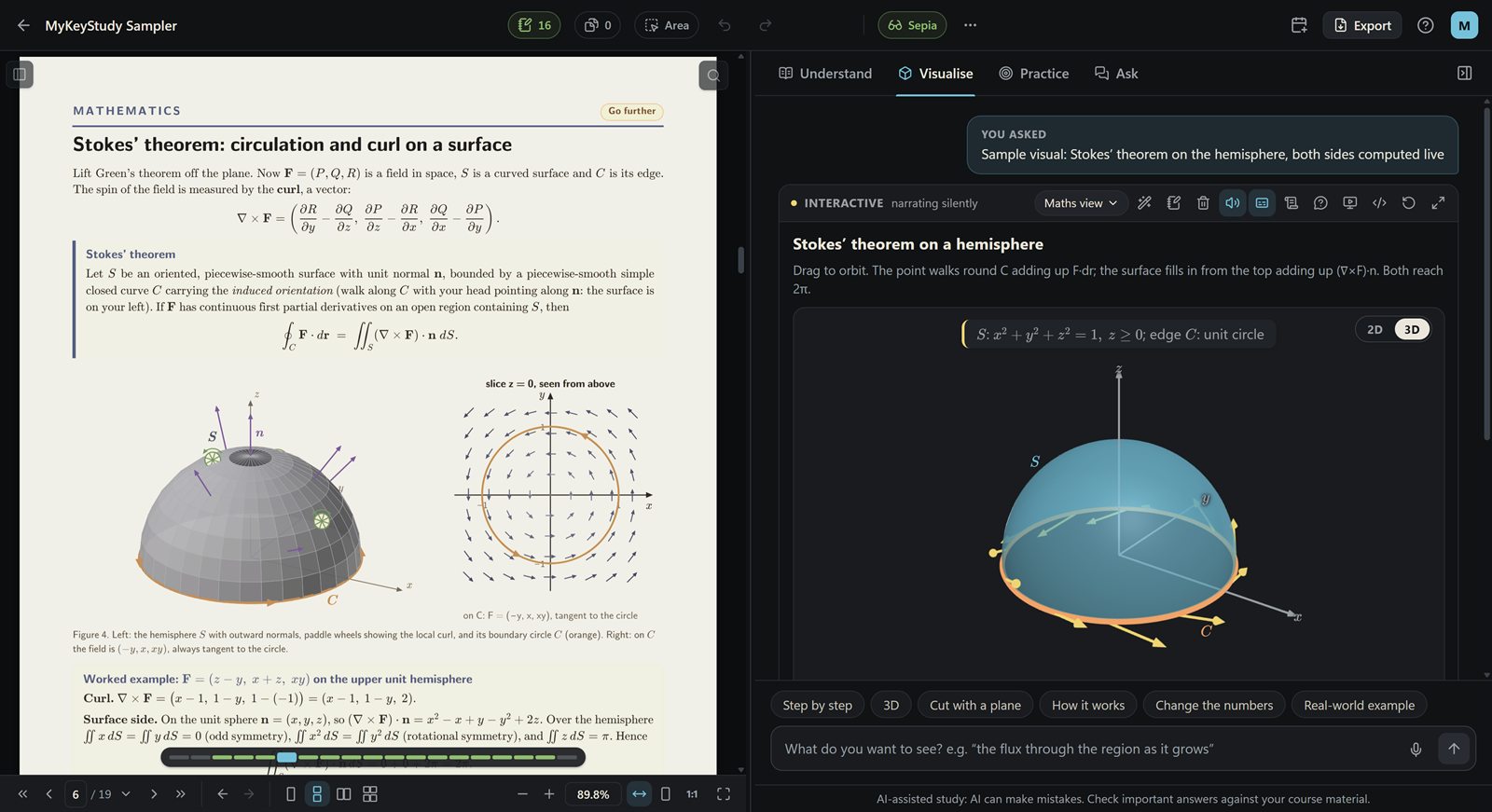
Everything in this demo stays in your browser. The sample pages come with their lessons ready-made; in the app, your tutor writes them for any page of your own files.
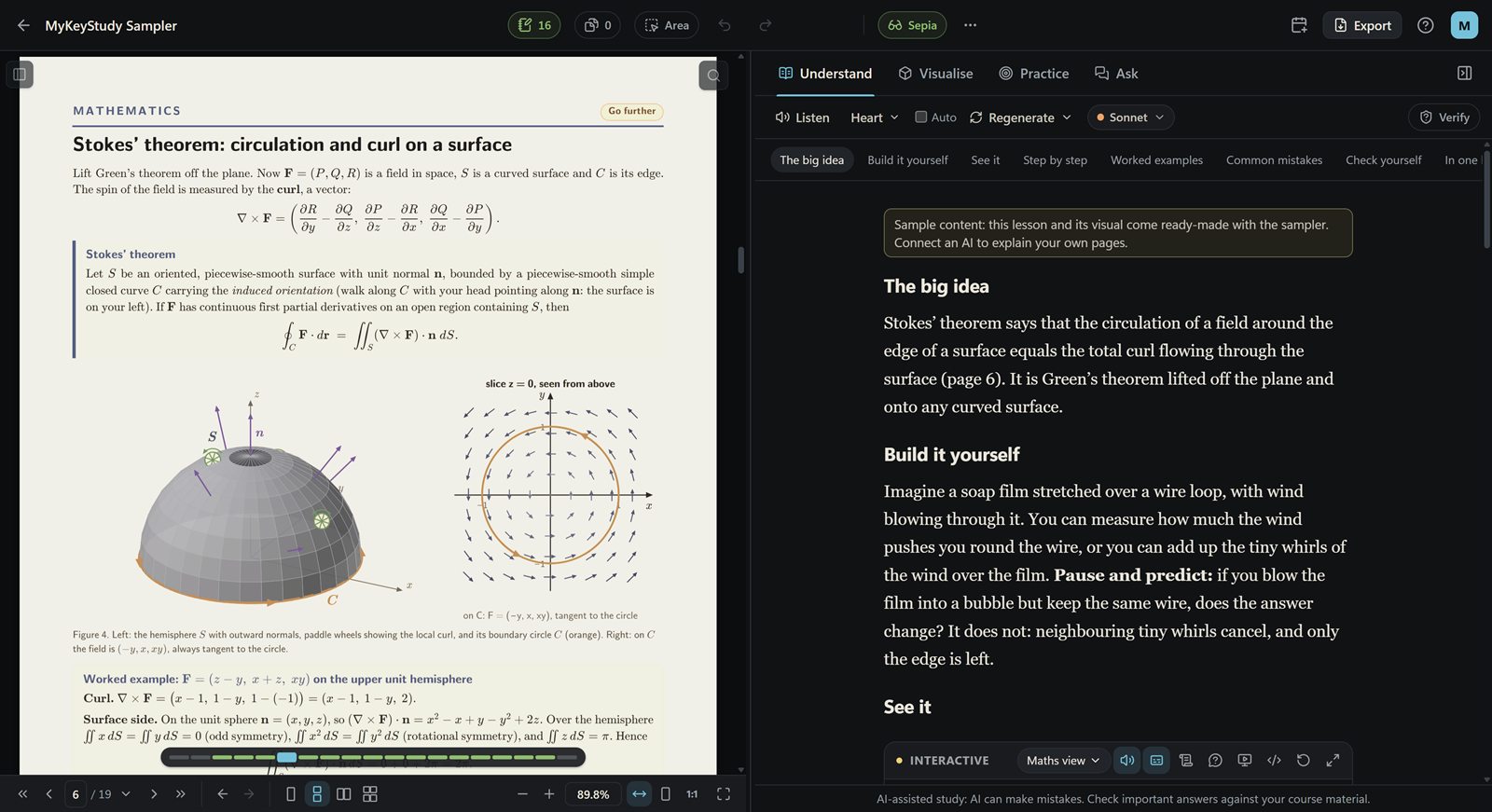
Select what you are stuck on and ask. The tutor answers for your level and field of study, using your page as the source, and you can keep asking follow-ups.
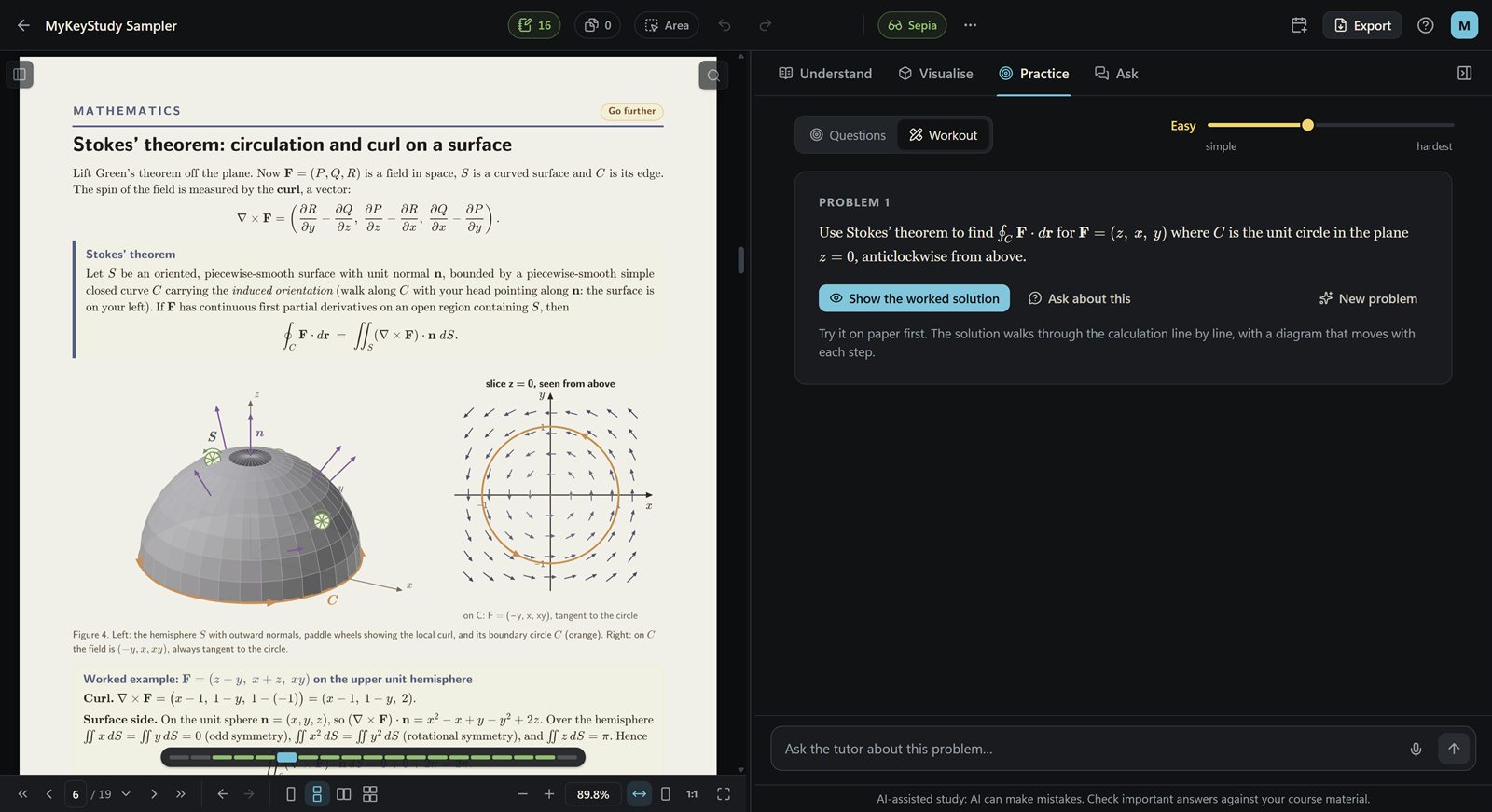
Questions with worked solutions, and spaced review that brings each topic back just before you would forget it.
MyKeyStudy is a tutor, not an AI model. It works with an AI you choose: an AI app on your computer (Claude Code, ChatGPT's Codex CLI, Kimi Code or GitHub Copilot CLI, each with your own account), Ollama with free local models, or a free online service with your own free key. Windows 10 or 11 is required.
Each profile signs in with Google. MyKeyStudy asks only for your basic profile and e-mail, access to files it creates in your Google Drive (for backup, off by default), and its own calendar (for study reminders, off by default). It never reads your other Drive files or other calendars. You can remove access at any time in your Google Account settings.
AI-assisted study: AI can make mistakes. Check important answers against your course material.